DIGITAL ACCESS

E-Authentication: Your Digital Key
to USDA

E-authentication Level 2 access (or equivalent via Login.gov) is designed for farmers, operators, and owners with records on file at USDA, FSA, or NRCS. It provides secure, one-password access to multiple online resources and programs β€” making government tools more accessible without commercial credit barriers.
πŸ“‹

Self-Service Applications

Submit and track program applications online without visiting an office.

πŸ“š

Educational Materials

Access training resources, program guides, and farm management tools.

🀝

Engagement Opportunities

Connect with outreach events, UCOC meetings, and local FSA programs.

πŸ› 

Business Tools

Use USDA’s online business tools to manage your farm records and documents.

DIGITAL ACCESS

Steps to E-Authentication

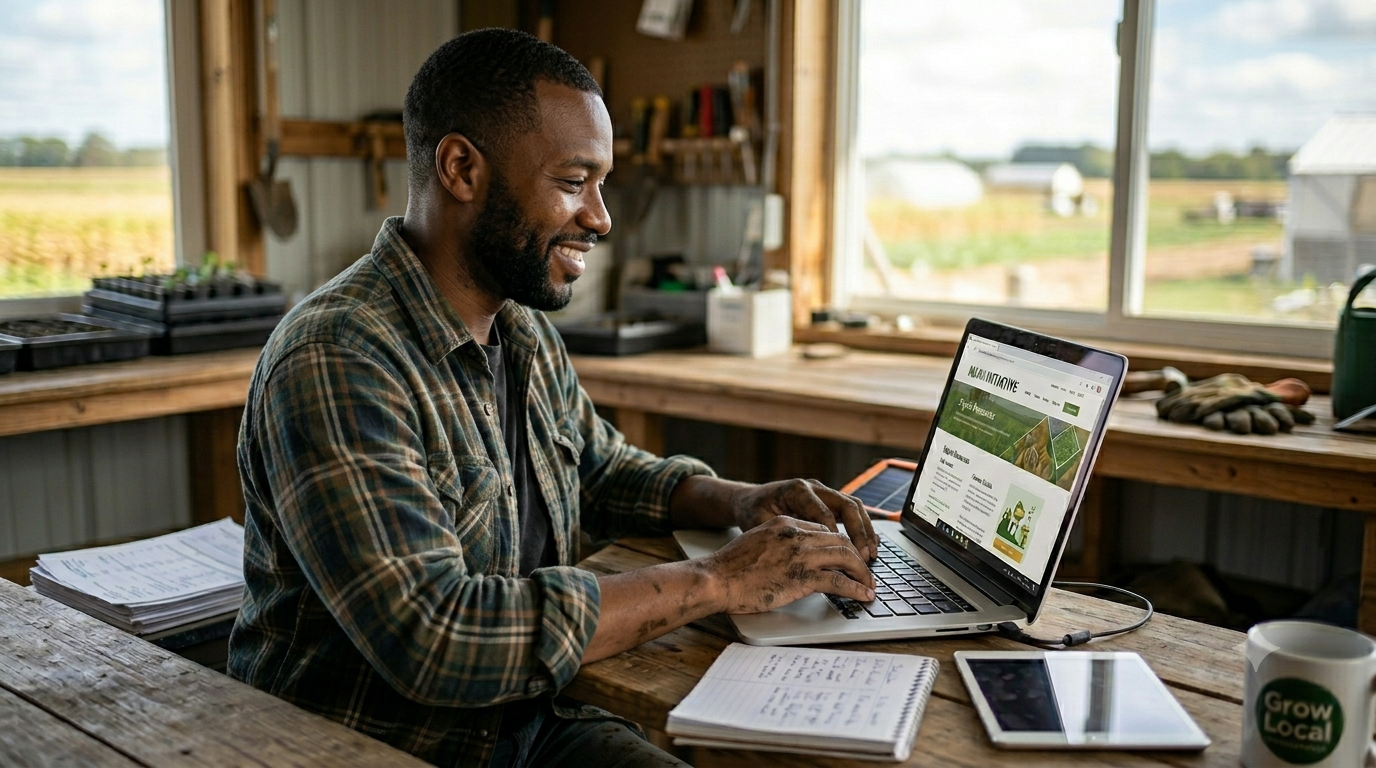
E-Authentication Level 2 access (or equivalent via Login.gov) gives you secure, one-password access to USDA’s online tools, applications, and your farm records. Follow these steps to get set up β€” often completable in a single day.

1

Confirm your USDA Customer Record

2

Go to the Farmers.gov Account Page

3

Choose or Create a Login.gov Account

4

Complete Identity Verification

5

Link Your Login.gov to USDA & Sign In

STEP BY STEP

Walk Through Each Step

Before setting up your online access, you need an active USDA Business Partner (BP) customer record on file with FSA or NRCS. This is the foundation everything else is built on.

What to do: Contact your local USDA Service Center to verify your record is active. Make sure your email address is current and marked as “standard” in the record β€” this is the email you’ll use for Login.gov.

If you don’t have a record or need updates, the service center can create or update it β€” often the same day. You can find your local office at offices.sc.egov.usda.gov or farmers.gov/service-locator.

πŸ’‘ Tip: Use Chrome, Edge, or Firefox for best compatibility with USDA online tools.

Once your customer record is confirmed, visit the Farmers.gov account page to begin setting up your digital access.

Where to go:

Click “Sign In / Sign Up” or “Get Started.” If prompted to choose your role, select the Customer option.

πŸ’‘ Tip: Have your customer record email ready β€” you’ll need it in the next step.

Login.gov is the secure sign-in system used by multiple federal agencies. You’ll use it as your one login for USDA services.

If you already have a Login.gov account: Sign in with your existing credentials β€” make sure the email matches your USDA customer record.

If you don’t have one: Click the Login.gov option, then “Create an account.” You’ll need to:

  • Enter your email address (use the one on your USDA record)
  • Create a strong password β€” at least 12 characters
  • Accept the Rules of Use and submit
  • Click the verification link sent to your email to confirm

πŸ’‘ Tip: Check your spam or junk folder if you don’t receive the confirmation email within a few minutes.

To obtain Level 2 access, Login.gov needs to verify your identity. This step protects your farm records and ensures only you can access your account.

What you’ll need:

  • A U.S. state-issued ID or driver’s license
  • Your Social Security Number
  • A phone number that can receive SMS or calls

You can verify online via the Login.gov app, or request an in-person verification at a participating post office if needed.

πŸ’‘ Tip: If you run into issues verifying online, your local FSA service center can assist you through the process.

Once your Login.gov account is verified, you’ll be redirected back to Farmers.gov to complete the account linking process.

What happens next: The system will match your Login.gov email to your USDA customer record. If the match is successful, you’ll gain Level 2 eAuth access immediately.

You can now access USDA self-service features including online applications, your farm records, and program management tools at farmers.gov.

βœ… You’re in! If you can’t link your account, contact your local service center. You do not have to visit the closest office β€” feel free to visit different offices to build better relationships with your FSA staff.

WHAT YOU UNLOCK

With Level 2 Access, You Can:

  • βœ“ Submit and track loan & program applications online
  • βœ“ View and update your farm and customer records
  • βœ“ Access digital farm documents and program history
  • βœ“ Use USDA business and reporting tools
  • βœ“ Reduce trips to the service center for routine tasks
USDA Digital Access

RESOURCES

Explore More Tools & Resources

πŸ“–

Decode FSA Acronyms

Quick guide to commonly used FSA and USDA terms.

πŸ›

Quick Agency Guide

Commonly referred-to agencies explained clearly.

🌱

Additional Resources

Real results with FSA programs from real producers.